 Filmaris
Veo 3.1 Fast: AI Video in Filmaris
Generate professional video content with Veo 3.1 Fast by PiAPI. . Integrated into the Filmaris AI film editing platform with real-time preview, multi-track timeline, and BYOK support.
 Start Creating
What is Veo 3.1 Fast?
Veo 3.1 Fast is a video generation model from PiAPI available on the Filmaris platform. It generates video clips up to 8 seconds in length from text and image inputs. At , it is competitively priced for its capabilities. Veo 3.1 Fast is designed for filmmakers, content creators, and anyone who needs professional-quality AI-generated video without expensive production equipment. The model integrates directly into the Filmaris multi-track timeline editor, where you can arrange generated clips alongside audio, text overlays, and other visual elements. Whether you are producing a short social media clip or a full-length AI film, Veo 3.1 Fast handles the generation while you focus on creative direction and storytelling.
Key Capabilities of Veo 3.1 Fast
Veo 3.1 Fast offers a focused set of capabilities for AI video production. Key features include native audio generation synchronized with the video output, lip synchronization for character dialogue scenes, camera motion controls including pan, tilt, zoom, and dolly movements, character reference consistency to maintain identity across multiple clips, keyframe-based generation for precise motion control. The model accepts both text prompts and reference images as input, allowing you to animate existing stills or generate entirely new footage from descriptions. All generated clips arrive in MP4 format and integrate directly into the Filmaris timeline. You can fine-tune output through the parameter panel, adjusting aspect ratio, duration, and other model-specific settings before each generation.
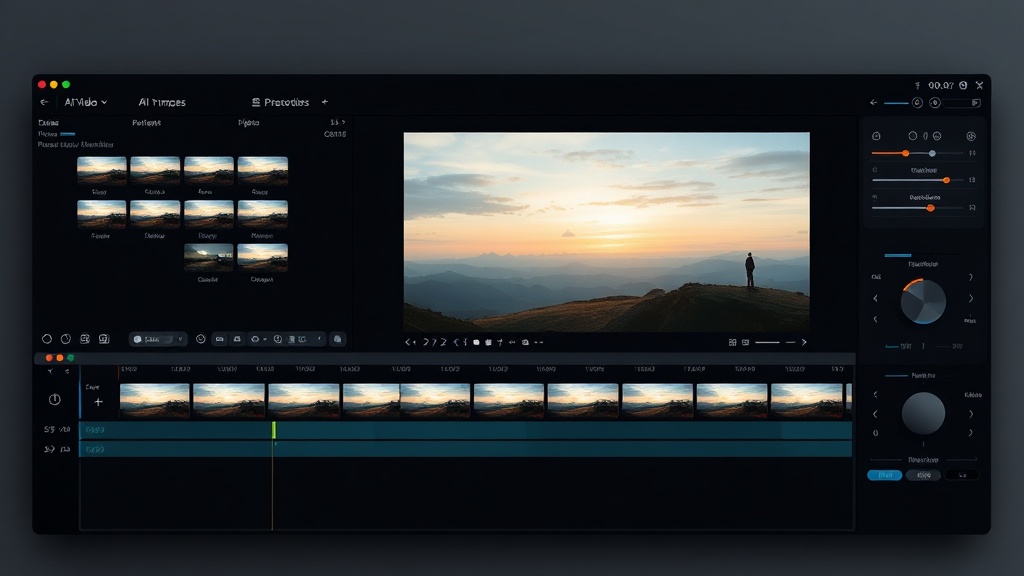
Using Veo 3.1 Fast in Filmaris
Using Veo 3.1 Fast in Filmaris starts in the AI Script Generator wizard, where you select it as your video model during step one. The generator then creates text prompts optimized for Veo 3.1 Fast for every clip in your screenplay. Alternatively, you can select Veo 3.1 Fast directly in the editor workspace when adding or regenerating individual clips. Each generation request goes through the PiAPI API and returns a video clip that appears immediately in your asset panel and on the timeline. If you have your own PiAPI API key, the BYOK system uses it automatically — bypassing credit deduction and saving up to 40% compared to platform credits. The webhook system and fallback polling ensure reliable delivery even under high API load.
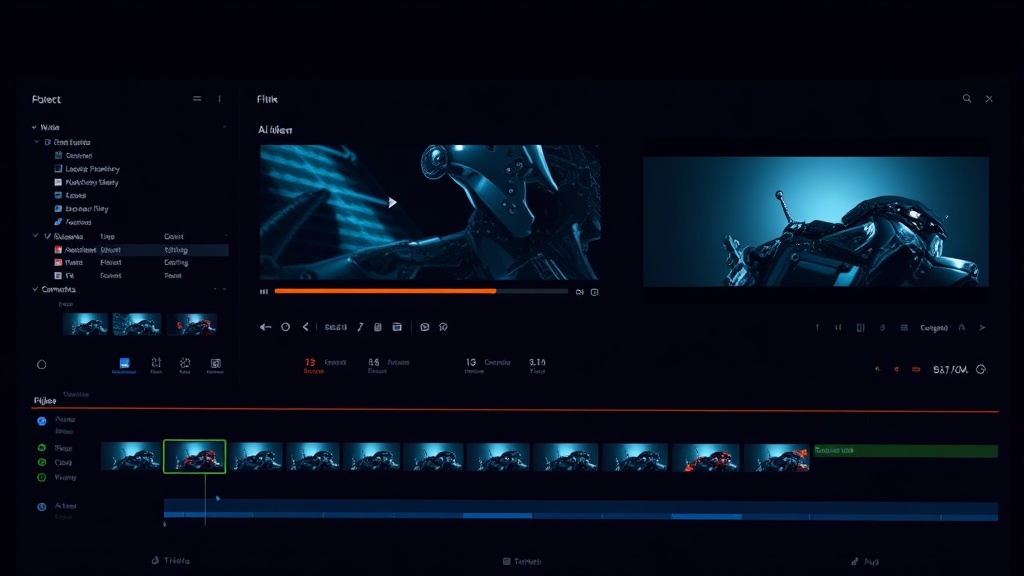
Specifications
Key Features
FAQ
How much does Veo 3.1 Fast cost?
Veo 3.1 Fast costs through the Filmaris platform. Filmaris applies a configurable markup to API costs (default 40%). If you bring your own API key (BYOK), you pay the provider directly at their listed rate with no platform markup, saving up to 40%.
What can I create with Veo 3.1 Fast?
With Veo 3.1 Fast, you can create AI-generated video clips up to 8 seconds long from text and image inputs. This includes scene footage, animated sequences, character performances, and visual effects for your film projects. Notably, it also supports synchronized audio, lip-synced dialogue, custom camera movements.
Can I use my own API key with Veo 3.1 Fast?
Yes, Filmaris supports Bring Your Own API Key (BYOK) for Veo 3.1 Fast. You can add your PiAPI API key in your account settings. When a valid key is detected, the platform routes your generation requests through your own account, bypassing the credit system entirely. This saves up to 40% on the video generation cost compared to using platform credits.