 filmaris
FLUX Dev (PiAPI): AI Image in filmaris
Generate professional image content with FLUX Dev (PiAPI) by PiAPI. $0.015 / gen. Integrated into the filmaris AI film editing platform with real-time preview, multi-track timeline, and BYOK support.
 Start Creating
What is FLUX Dev (PiAPI)?
FLUX Dev (PiAPI) is an AI image generation model from PiAPI integrated into filmaris. It creates high-quality images from text and image prompts, priced at $0.015 / gen. This makes it one of the most affordable options in its category. FLUX Dev (PiAPI) is used within filmaris to generate storyboard frames, scene backgrounds, character portraits, and reference images for your film projects. Every image generated is stored as an asset in your project and can be placed on the multi-track timeline as a still frame, used as a reference for video generation, or exported directly. The model supports various output formats and can be configured through the parameter panel in the editor workspace.
Key Capabilities of FLUX Dev (PiAPI)
FLUX Dev (PiAPI) provides capabilities tailored for creative image production. Notable features include negative prompt control to exclude unwanted elements, reference image input for style or character matching, seed-based reproducibility for consistent results. The model outputs in PNG, JPEG, WEBP formats. Within filmaris, generated images serve as storyboard frames, background plates, character portraits, and input references for video generation models. The parameter panel exposes all configurable settings, including aspect ratio, quality level, and model-specific options, so you maintain full creative control over every generation.
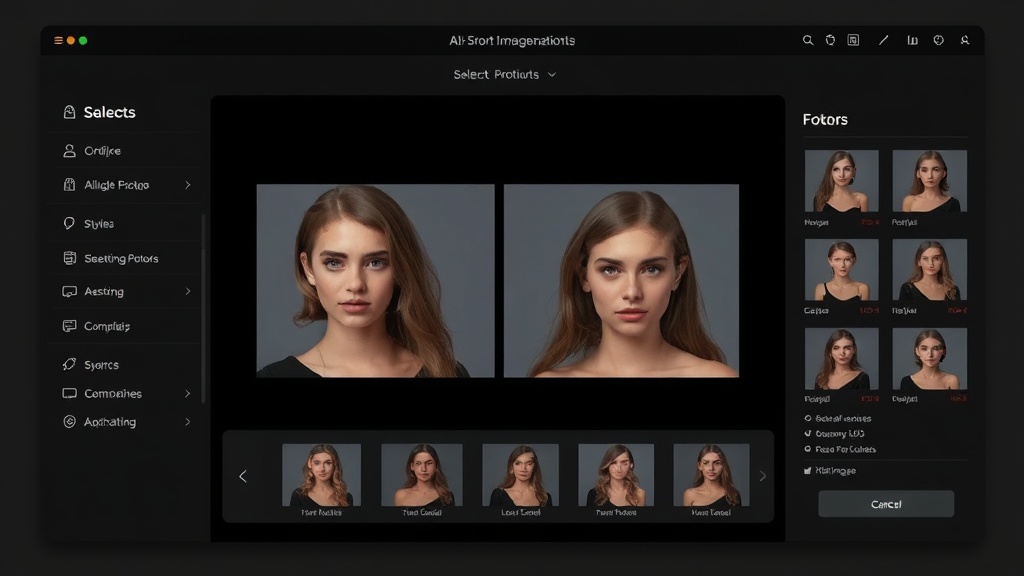
Using FLUX Dev (PiAPI) in filmaris
FLUX Dev (PiAPI) is available in two workflows within filmaris. In the Script Generator wizard, you select it as your image model and the system generates scene backgrounds, character portraits, and storyboard frames automatically. In the editor, you can generate individual images by creating a new prompt, selecting FLUX Dev (PiAPI) from the model dropdown, and entering your description. Generated images appear in your project asset panel and can be placed on the timeline as still frames with configurable duration. The BYOK system supports PiAPI API keys, letting you use your own account for direct cost savings. All images are stored in Cloudflare R2 with zero-egress CDN delivery for fast loading.
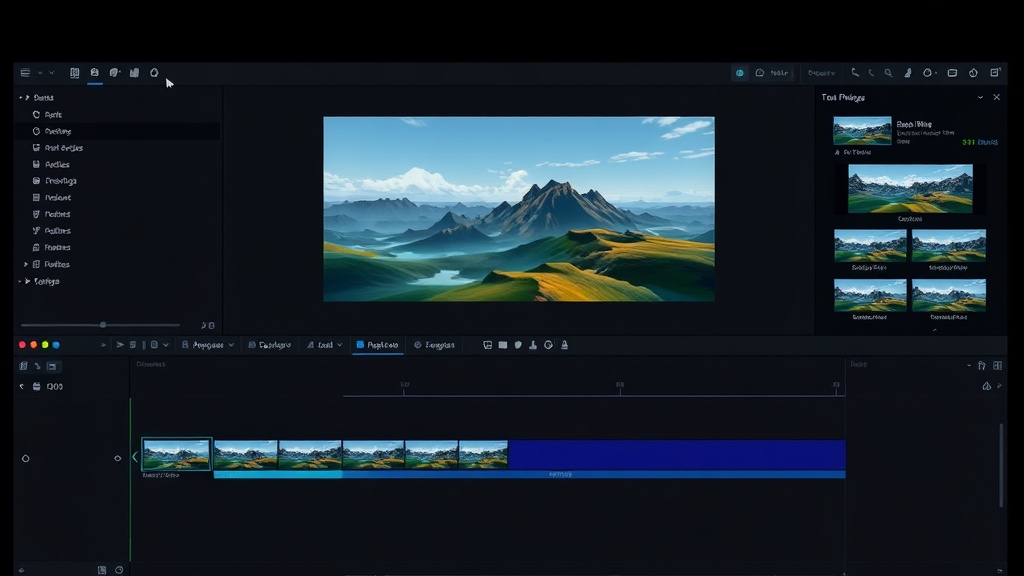
Specifications
Key Features
FAQ
How much does FLUX Dev (PiAPI) cost?
FLUX Dev (PiAPI) costs $0.015 / gen through the filmaris platform. Each generation uses filmaris credits equal to its AI cost (1,000 credits = $1), with no markup on consumption. If you bring your own API key (BYOK), the provider bills the AI cost directly to your account, and your filmaris credits cost only your plan's margin.
What can I create with FLUX Dev (PiAPI)?
FLUX Dev (PiAPI) generates images from text and image prompts. You can create storyboard frames, character portraits, scene backgrounds, concept art, and reference images for your film projects. Output is available in PNG, JPEG, WEBP format.
Can I use my own API key with FLUX Dev (PiAPI)?
Yes, filmaris supports Bring Your Own API Key (BYOK) for FLUX Dev (PiAPI). You can add your PiAPI API key in your account settings. When a valid key is detected, the platform routes your generation requests through your own account, so PiAPI bills the image generation cost directly to you. The filmaris credits each generation uses then cost only your plan's margin.