 filmaris
Estilo de vídeo IA cinematográfico
Produce metraje de calidad Hollywood con grano de película 35mm, distorsión de lente anamórfica y corrección de color dramática — todo a partir de texto.
 Create Cinematográfico Videos
¿Qué es el estilo Cinematográfico?
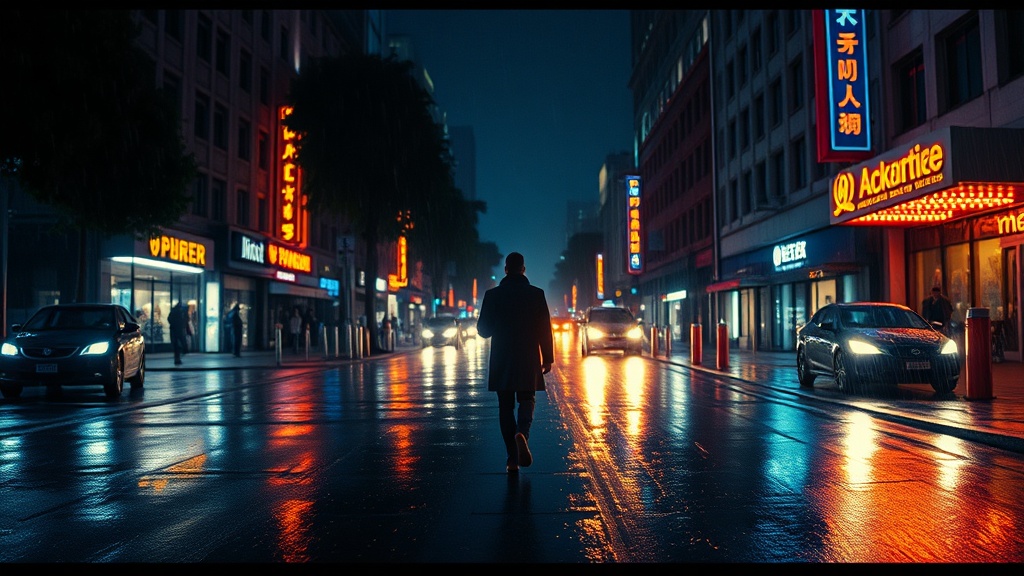
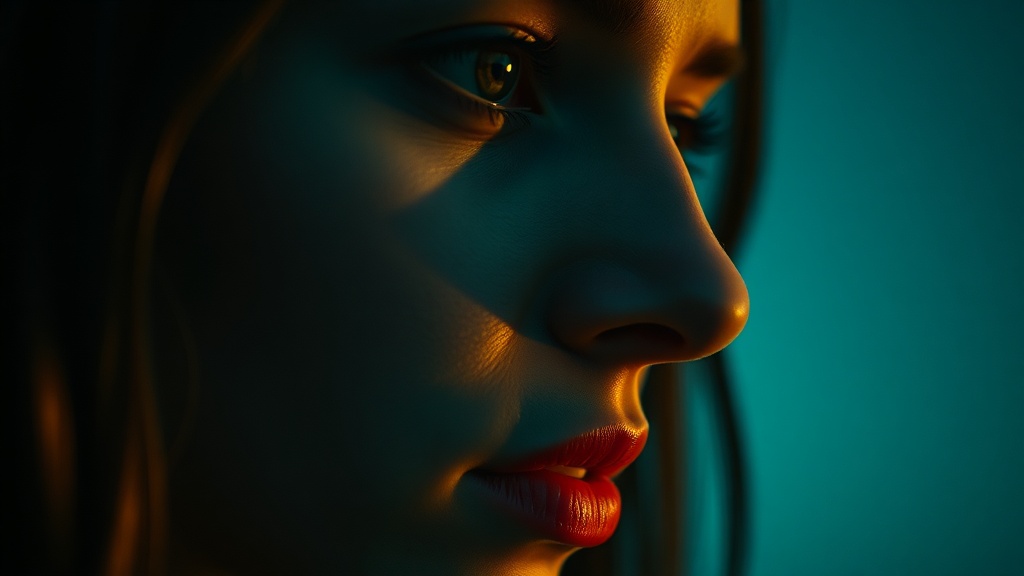
El estilo cinematográfico recrea el lenguaje visual de las películas narrativas de largometraje — el tipo de imagen que el público asocia con una narración de calidad de cine. En su esencia, este preset emula el aspecto de la película de 35mm: estructura de grano orgánico, luces ligeramente suavizadas y una rica separación de tonos medios que los sensores digitales luchan por replicar de forma nativa. La característica de la lente anamórfica añade destellos horizontales, bokeh ovalado y una sutil distorsión de barril que señala "cine" a nivel subconsciente. La corrección de color sigue la paleta complementaria de verde azulado y naranja popularizada por los coloristas de Hollywood contemporáneo, aunque puedes modificarla con los controles de detalle. La iluminación dramática está integrada en el preset — sombras profundas, luces clave motivadas y neblina atmosférica crean profundidad y dimensión en cada fotograma. Este estilo es ideal para cortometrajes narrativos, vídeos musicales, películas de marca y cualquier proyecto donde quieras que la audiencia sienta que está viendo una película en lugar de un vídeo. Transforma prompts de texto planos en fotogramas que llevan el peso y la intencionalidad de la cinematografía profesional.
Creación de vídeos cinematográficos con IA
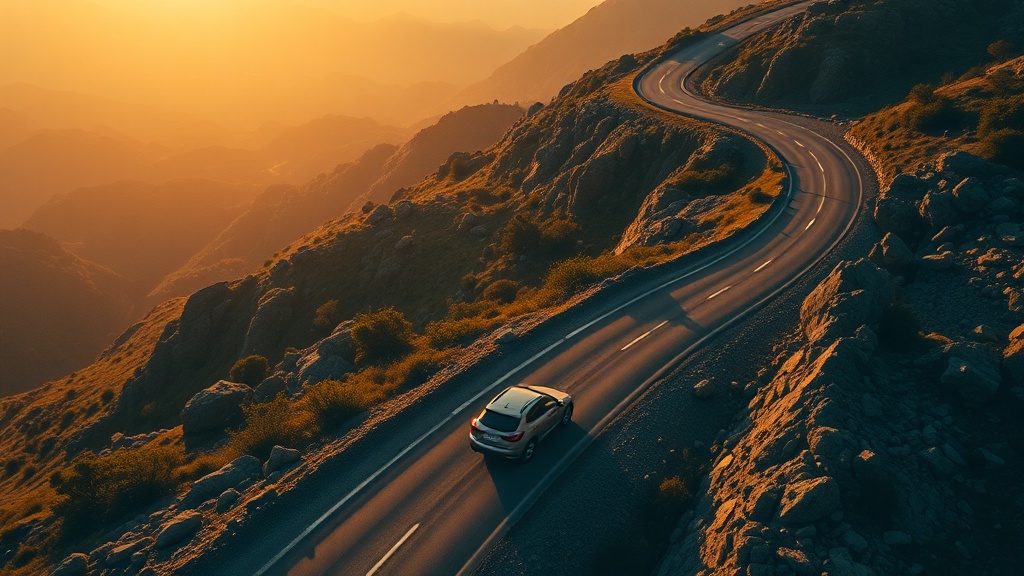
Al seleccionar el estilo cinematográfico, se añade "cinematográfico, grano de película 35mm, lente anamórfica, iluminación dramática, color grading" a tus prompts, guiando los modelos de IA hacia resultados con exposición controlada, luz modelada y textura de película. Los controles de detalle te permiten ir más lejos. La paleta de colores alterna entre automático, cálido (sesgo ámbar para ambientaciones de época o desierto), frío (acero azulado para thrillers), desaturado (bleach bypass para drama crudo) y monocromático (blanco y negro completo para estética de cine de autor). El grano de película se establece por defecto en ligero, imitando Kodak Vision3 500T, pero puedes elegir limpio para un aspecto de cine digital moderno o intenso para una textura cruda de Super-16. Los modos de iluminación incluyen hora dorada para exteriores mágicos y clave baja para interiores de suspense con profundas zonas de sombra. Las opciones de estilo de cámara van desde seguimiento suave tipo Steadicam hasta movimientos dramáticos de grúa y dolly. Estos controles funcionan de forma aditiva con el prefijo cinematográfico base, permitiéndote lograr desde una secuencia natural de Terrence Malick hasta una sala de interrogatorio de David Fincher sin escribir prompts complejos.
Mejores modelos para el estilo Cinematográfico
Los resultados cinematográficos dependen de modelos que entiendan la composición, la luz motivada y la textura de la película. Kling 4.0 lidera aquí: resuelve con convicción travellings, cambios de foco y poca profundidad de campo, y mantiene los rostros coherentes a lo largo de una secuencia de planos. Veo 3.1 aporta una atmósfera intensa y sonido sincronizado, ideal para escenas de diálogo y planos de situación lentos y evocadores. Para storyboards y key art, GPT Image 2.5 compone fotogramas con encuadre deliberado, destellos anamórficos y color etalonado, de modo que cada plano tiene una referencia antes de animarse. Nano Banana Pro es útil cuando un fotograma debe seguir con exactitud una descripción de plano larga. Una banda sonora de ElevenLabs Music marca el tono emocional, y Claude Opus 5.5 le ayuda con escenas y diálogos en el script writer. Junto con el prefijo cinematográfico —grano de 35 mm, lente anamórfica, iluminación dramática— estos modelos producen imágenes que se leen como cine y no como vídeo generado.
Specifications
Key Features
FAQ
¿Qué es el estilo Cinematográfico en filmaris?
El estilo Cinematográfico genera vídeo con IA con el lenguaje visual de las películas: grano de película 35mm, efectos de lente anamórfica, iluminación dramática y corrección de color profesional. Transforma prompts de texto en fotogramas que parecen pertenecer a una sala de cine.
¿Qué modelos de IA funcionan mejor con el estilo Cinematográfico?
Kling 4.0 ofrece el trabajo de cámara cinematográfico más convincente y mantiene los personajes coherentes entre planos. Veo 3.1 destaca en escenas atmosféricas con sonido sincronizado. Para fotogramas clave y storyboards, GPT Image 2.5 crea imágenes fijas bien compuestas y etalonadas.
¿Puedo personalizar el estilo Cinematográfico?
Sí. Puedes ajustar la paleta de colores (cálido, frío, desaturado, monocromático), la intensidad del grano (limpio, ligero, intenso), el modo de iluminación (clave alta, clave baja, hora dorada, hora azul) y el estilo de cámara (suave, cámara en mano, estático, dramático). Estos controles te permiten variar desde la estética de Malick hasta la de Fincher.