Students and film classes
Practise pacing and cutting on a proper multitrack timeline without buying a licence; a 720p file is plenty for a class screening or a feedback round.
Cut on a multitrack timeline right in the browser, download a 720p MP4 and know exactly where the Free plan stops.
With a confirmed e-mail, a first one-minute film made from what you type here costs nothing.

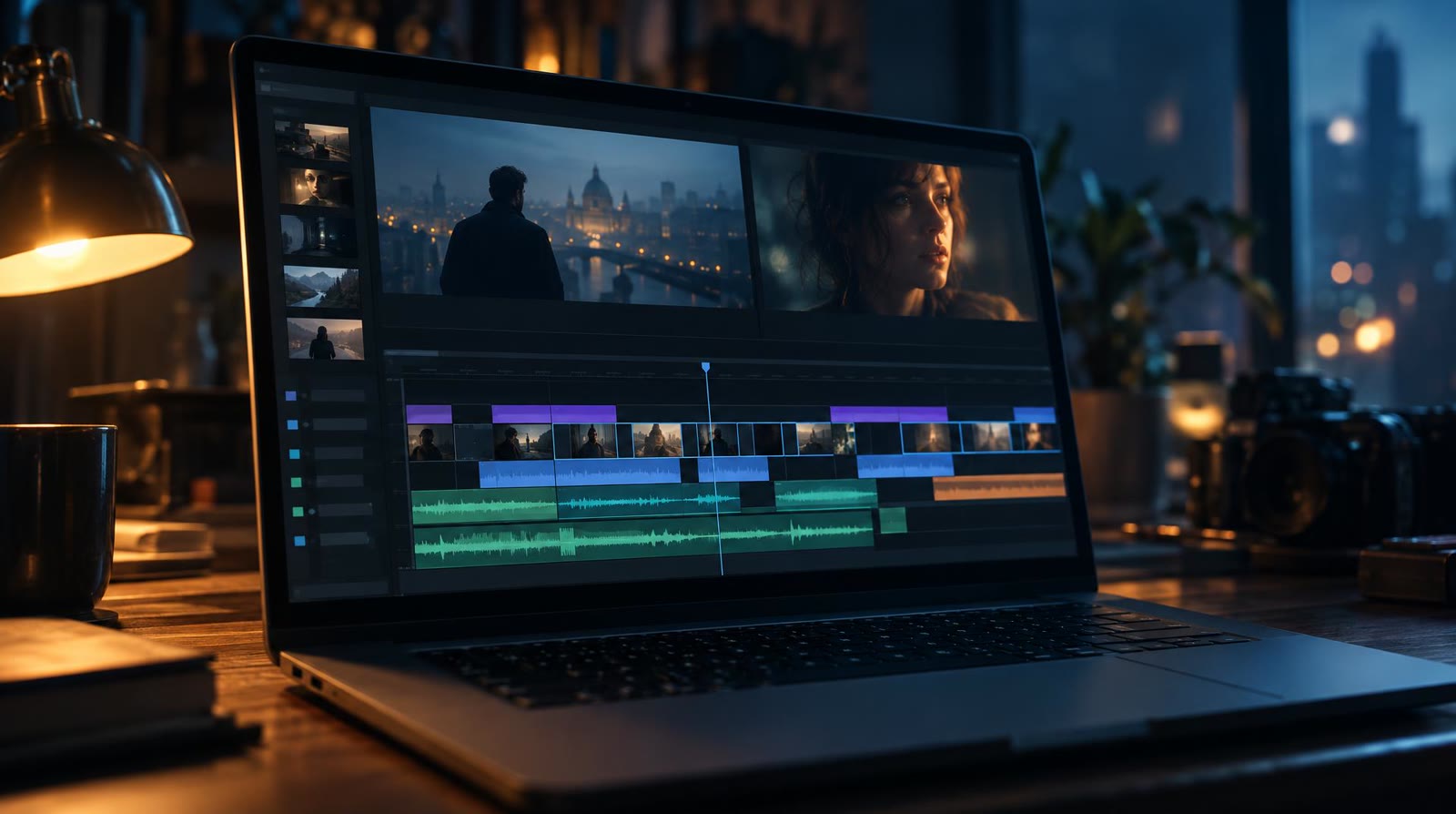
With filmaris you get a free AI video editor living inside a browser tab, which means no installer and no updates to keep up with. The workspace is a true multitrack timeline: picture, voice, score and your own uploaded clips run in parallel lanes, and you cut, mix and blend them there. Our AI video editor page walks through every tool in detail. What leaves the Free plan is an MP4 at 720p that carries a watermark, and you get 300 MB of storage, which is enough for drafts, rough cuts, class work and personal videos.
Free AI video editing in filmaris draws a clear line. On the free side sit the timeline, the 720p download, 300 MB of storage, the option to plug in a fal.ai key of your own and a first film animated from your storyboard. A paid plan is where generated video shots come in, made by AI video models instead of animated stills, and where downloads go up to 4K. Commercial use opens up on the paid plans too; Free stays non-commercial. One rule applies to larger businesses: with a headcount of 10 or more, or yearly revenue above €2M, the right plan is Team or Enterprise.

Below is the real timeline of a film produced in filmaris. Press play and drag along the lanes: this is the very editor a free account opens, with every shot and every sound laid out where you can grab it.
Confirm your address and the editor, 300 MB of space and your first film are ready in the browser, with nothing to download or set up.
Let filmaris turn an idea into a script and a storyboard, or drop in clips, stills and audio you made yourself, then shape the cut across several tracks.
Render the finished cut as a watermarked 720p MP4. Upgrading later raises the resolution up to 4K and opens the door to commercial projects.
Practise pacing and cutting on a proper multitrack timeline without buying a licence; a 720p file is plenty for a class screening or a feedback round.
Turn a rough idea into a first film at no cost and watch whether the story holds up before you pay for generated video shots.
Mix phone clips, photos and recorded audio with AI pictures on separate tracks; private, non-commercial projects are exactly what the Free plan covers.
Link your fal.ai key while still on Free: fal.ai bills each AI run to you, and the filmaris credits you spend pay just the plan's margin.
Free gives you the multitrack editor, downloads as 720p MP4 with a watermark and 300 MB of storage. You may link the fal.ai API key from your fal.ai account: fal.ai then bills the AI cost to you, and the credits you spend in filmaris pay just the plan's margin. The screenplay is free once you give your e-mail, and so are the first images of the people, places and props in your story. On top comes a first one-minute film for each confirmed address: your storyboard pictures set in motion with camera moves and voices, ready to download to your computer. Free is for non-commercial work. Paid plans permit commercial use, and a business with a headcount of 10 or more, or revenue above €2M, needs Team or Enterprise.
Start editing for free →It makes your first film, one minute long: the storyboard pictures of your story, animated with camera moves and voiced, then downloaded to your computer, one for each confirmed e-mail. Shots generated by AI video models are reserved for paid plans.
It depends on the job. If you want a story written, storyboarded and then cut by hand, filmaris keeps script, storyboard and multitrack timeline in one browser tool, and the first one-minute film from your idea costs nothing.
Yes. Editing, playback and export all happen inside the browser tab, so nothing gets installed on your computer. Sign up with your e-mail address and the timeline opens right there.
No. Work made on Free is for personal, non-commercial use. Every paid plan permits commercial use, and a business with a headcount of 10 or more, or above €2M in revenue, needs Team or Enterprise.
An MP4 at 720p with a watermark. That suits drafts, sharing a cut for feedback and personal videos. When a project needs a sharper file, the paid plans export MP4 at higher resolutions, up to 4K.
Link your fal.ai API key and the AI runs bill to it: fal.ai invoices you for the AI cost, while the filmaris credits a run uses pay just the plan's margin. None of this needs a paid plan.