What Is AI Filmmaking?
AI filmmaking (AI film making) is the process of creating short films, music videos, or full-length movies using artificial intelligence instead of traditional cameras, lighting rigs, and film crews. You write a description of what you want to see, and AI models generate the visuals, dialogue, music, and sound effects for you.
This is not a gimmick or a toy. In 2026, AI video models like Kling 4.0, Seedance 2.5 and Veo 3.1 produce footage that rivals stock video in quality — but each one makes a clip of a few seconds. An AI film maker like filmaris directs them: it writes the script, plans every shot, picks a model per shot and cuts the result into a complete film. Combined with AI audio, voice synthesis, and a proper editing timeline, solo creators can produce work that used to require a team of ten and a five-figure budget.
That said, AI film making is not about replacing human creativity. The AI handles the technical production; you bring the story, the vision, and the editorial decisions. Think of it as having an infinitely patient production crew that works at the speed of thought.
How Are AI Movies Made?
AI movies are made in six steps: an idea or a script, a screenplay, a cast with reference sheets, the shots generated by AI video models, voices and music, and the edit. This guide shows how to make AI movies step by step — by hand, or with an AI film maker that does all six for you.
What You Need to Get Started
Here is the good news: you need very little to start making AI films.
- A browser — AI film tools like filmaris run entirely in the browser. No expensive hardware, no software installation.
- A story idea — Even a single sentence works. “A lost robot searches for its creator in an abandoned city” is enough to start.
- Credits or API keys — AI generation costs money (models run on expensive GPUs). filmaris offers credits, or you can bring your own fal.ai API key: fal.ai then bills the AI cost directly, and your filmaris credits cost only the plan’s margin.
You do not need a camera, microphone, lighting, actors, locations, or any video editing experience.
Step 1: Write Your Script
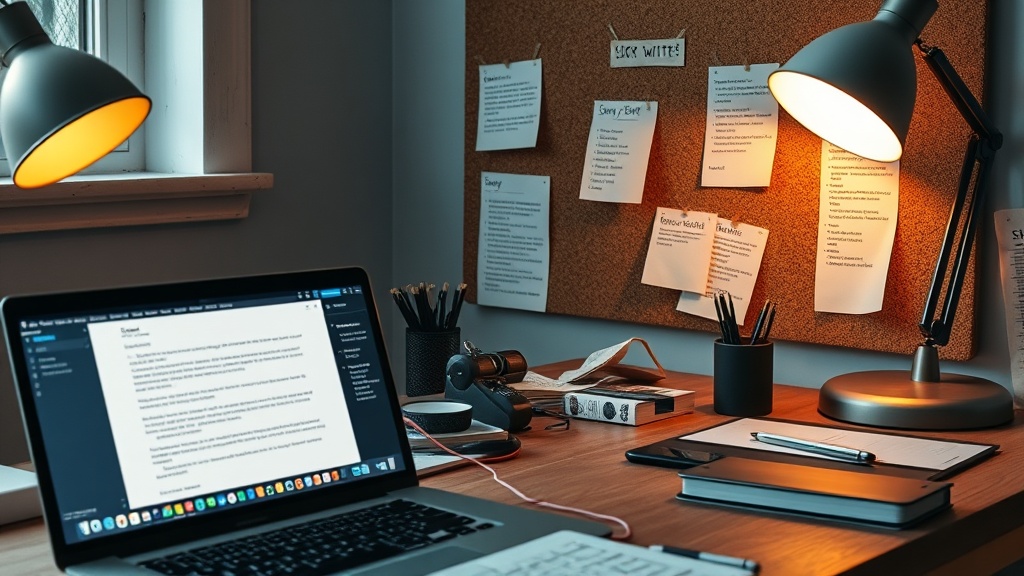
Every film starts with a script. In traditional film making, this means weeks of writing and revision. With AI, you have two options:
Option A: Let AI Write It
filmaris turns one sentence into a screenplay with acts, scenes and dialogue — or imports the screenplay or book you already have (from script to video). You provide:
- A 1–3 sentence concept (e.g., “A timelapse documentary showing Earth recovering from climate change over 1,000 years”)
- A style preset (cinematic, anime, documentary, noir, etc.)
- Target length (from 30 seconds to feature-length)
The AI outputs a fully structured script broken into scenes and clips, each with detailed visual prompts, camera directions, and audio cues. This structure maps directly onto the editor’s timeline.
Option B: Write Your Own
If you prefer creative control, write your own script and build it manually in the editor. The filmaris editor uses a tree structure: Movie → Scenes → Clips. You create each level, write prompts for the visuals and audio, and generate them one by one.
For beginners, Option A is faster. For experienced storytellers who want precise control, Option B gives you full authority over every frame.
Step 2: Plan Your Visuals
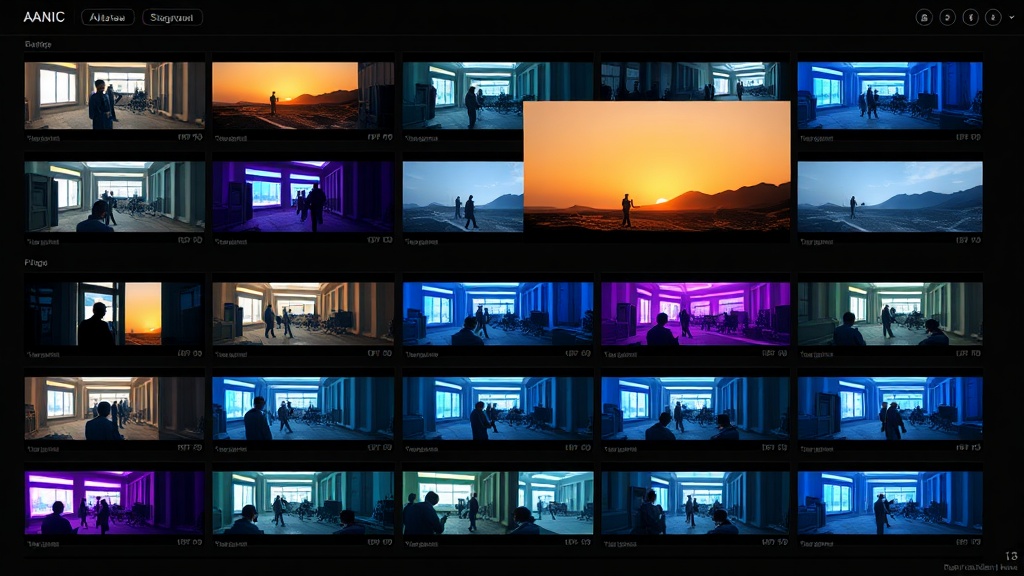
Before generating anything, think about the visual style of your film. This is where AI film making differs most from traditional production. Instead of scouting locations and hiring a cinematographer, you are choosing AI models and writing prompts.
Choosing Your Models
Different AI models have different strengths. filmaris offers 50+ models — for video among them Kling 3.0, Seedance 2.5, Veo 3.1, Hailuo 2.3 and Wan 2.7. Let filmaris pick the model for each shot, or choose it yourself; the models page lists current specs and prices.
For a first project, keep the model filmaris picks for each shot. You can always re-generate key scenes with a premium model later.
Check the full model comparison page for all 50+ available models with specs and pricing.
Writing Good Prompts
The quality of your AI film depends heavily on your prompts. Here are practical tips:
- Be specific about camera work — “Close-up of a hand opening a letter” beats “someone reads a letter.”
- Include lighting and mood — “Golden hour, warm tones, long shadows” gives the model clear direction.
- Mention movement — “Slow dolly push-in” or “handheld following the character” adds cinematic quality.
- Reference real styles — “Shot on 35mm film, Wes Anderson color palette” communicates a lot in few words.
- Keep it under 200 words — Models work best with focused, clear prompts. Over-describing can confuse them.
Step 3: Choose Your Audio Strategy
Audio is half the film. A weak soundtrack or missing sound design will undermine even beautiful visuals. filmaris supports three types of AI audio:
Voice & Narration
Use ElevenLabs for high-quality text-to-speech. You can choose from dozens of voices, adjust pacing and emotion, and even clone a voice from a sample.
Music
AI music models can generate background scores in any genre. Specify the mood (“tense orchestral, building to climax”) and length, and the model produces a royalty-free track. filmaris uses ElevenLabs Music by default.
Sound Effects
Layer in ambient sounds, footsteps, door creaks, explosions—whatever your scenes need. These are generated as short audio clips and placed on the timeline alongside your video elements.
A common beginner mistake is generating visuals first and adding audio as an afterthought. Plan your audio alongside your visuals from the start. A scene with rain should have rain sounds. A dialogue scene needs voice generation planned for the right timing.
Step 4: Generate and Assemble
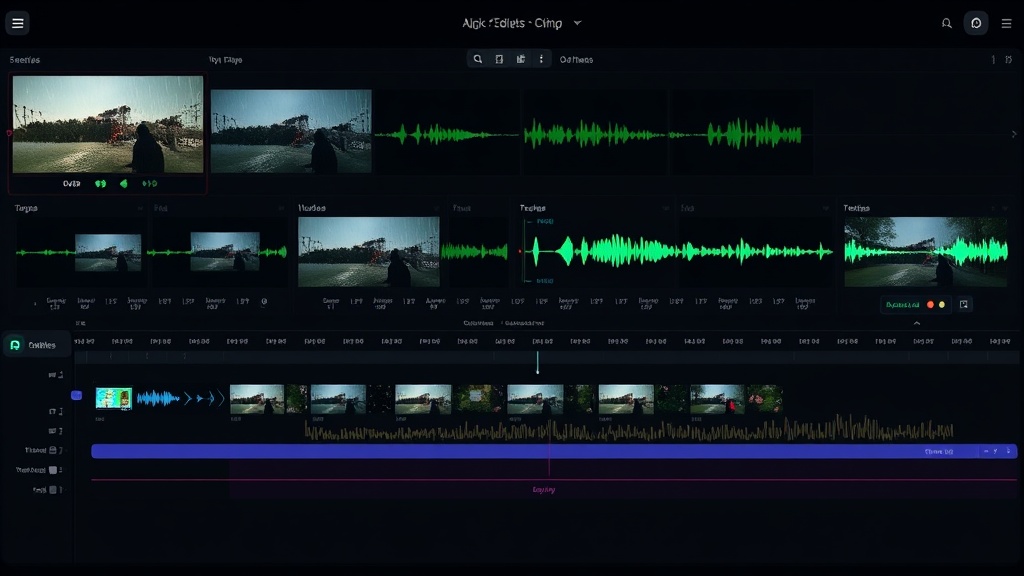
Or let filmaris do it: it generates the start frame of every shot for you to approve, checks each finished shot with AI quality control and redoes those that fail, then voices, scores and cuts the film.
Now comes the exciting part. Open your project in the filmaris editor and start generating.
The Generation Workflow
- Generate scene by scene — Start from the beginning of your film. Generate the video for Scene 1, Clip 1. Review it. If it looks good, move to the next clip. If not, tweak the prompt and regenerate.
- Use version history — Every prompt keeps a version history. You can compare different generations and pick the best one without losing earlier attempts.
- Layer your elements — Each clip can have multiple layers: a video base, an overlay image, a voice track, background music, and sound effects. Use the compositing stack to arrange them with the right opacity, volume, and timing.
- Add transitions — The timeline supports 7 transition types (fade, dissolve, wipe, slide, zoom, blur, flash). Place them between clips to smooth the flow.
Cost Management Tips
AI generation adds up. Here is how to keep costs manageable:
- Draft first, polish later — Use cheaper models for first drafts. Once you have the timing and structure right, regenerate hero shots with premium models.
- Use BYOK — Bring Your Own API Key so fal.ai bills the AI cost directly; your filmaris credits then cost only the plan’s margin.
- Check cost estimates — filmaris shows you the exact cost before generating. Use the batch cost estimate feature to preview the total cost of generating an entire scene.
- Reuse assets — The Asset Panel lets you access media from parent scenes. A background music track generated once can be reused across multiple clips.
Step 5: Edit and Refine
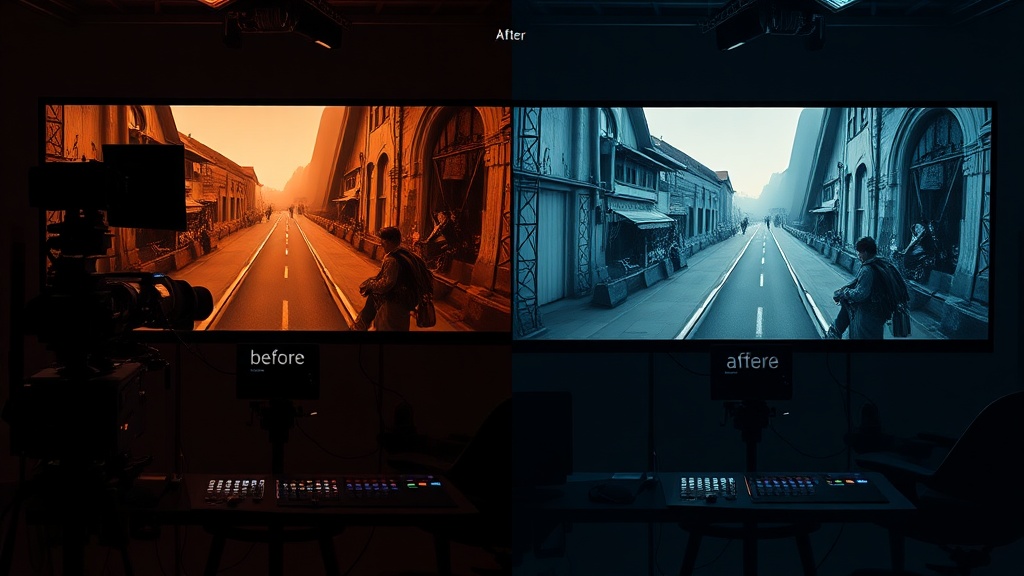
With all your media generated, it is time to edit. This is where AI film making meets traditional craft.
Timeline Editing
The filmaris timeline works like a traditional NLE (non-linear editor). You can:
- Trim clips — Drag the edges to cut unwanted frames from the start or end.
- Reorder scenes — Drag and drop clips in the timeline or restructure the scene tree.
- Adjust audio — Set volume levels per element so dialogue sits above background music.
- Transform elements — Scale, position, and set opacity for layered elements.
The Preview
The built-in browser preview (powered by Remotion) plays your film in real time. Scrub through the timeline, check transitions, verify audio sync. What you see in the preview is what you get in the final export.
Undo Everything
filmaris has full undo/redo support (Ctrl+Z / Ctrl+Y) with a 50-step history. Experiment freely—you can always go back.
Step 6: Export and Share
When your film is ready, export it. filmaris renders your film using cloud-based Remotion Lambda—your browser does not do the heavy lifting, so you can export long films without worrying about your computer’s specs.
If you want to continue editing in a professional NLE, filmaris supports FCPXML+ZIP export. This lets you open your AI film in DaVinci Resolve, Final Cut Pro, or Adobe Premiere Pro with all your clips, layers, and timing intact.
Where to Share
- YouTube — Upload directly. AI films regularly get views in the tens of thousands.
- Social media — Short clips (under 60 seconds) work great on Instagram Reels, TikTok, and X.
- Film festivals — Yes, AI films are being accepted at festivals. The AI Film Festival and others specifically showcase AI-generated work.
- Portfolio — Use your AI films to demonstrate creative direction skills, even if you cannot shoot traditional footage.
What AI Film Making Costs in 2026
Every run in filmaris shows its cost before anything is generated. What a film costs depends on its length and the models you choose.
With BYOK keys, fal.ai bills the AI cost directly and your filmaris credits cost only your plan’s margin. And the free tier gives you enough credits to experiment before spending anything.
How Long Can an AI Film Be?
Most AI video tools stop at clips of a few seconds. filmaris makes complete films of 40 minutes and more. Choose the length before you start, from a teaser to a feature film. See AI Film Maker.
Common Beginner Mistakes
Here are the mistakes we see most often:
- Generating everything at maximum quality first — Draft with cheap models, polish with expensive ones. You will regenerate most clips at least once anyway.
- Ignoring audio — A film with great visuals and no sound design feels empty. Plan audio from the start.
- Writing vague prompts — “A beautiful scene” gives the model nothing to work with. Be specific about framing, lighting, movement, and mood.
- Starting too long by hand — If you build shot by shot, start with 30–60 seconds; for longer films let filmaris plan and generate the whole film.
- Not using the structure tree — Organize your film into scenes and clips from the start. A flat timeline gets unmanageable fast.
What’s Next?
AI film making is evolving fast. Real-time generation and AI-driven editing suggestions are on the near horizon; character consistency across scenes already works today. The creators who start learning now will have a massive head start.
Ready to make your first AI film? Start with the free Generator Wizard—write a concept, pick a style, and let AI handle the production. Or explore the AI Film Editor to build your film from scratch with full creative control.
For more guides, check out:
- Best AI Video Generators 2026 — detailed model comparison
- How to Create a Movie with AI — step-by-step tutorial
- AI Video Editing: Beginner’s Guide — editor-focused walkthrough
- All AI Models — browse 50+ models with specs and pricing
- Style Presets — 12 ready-made visual styles
Frequently Asked Questions
How much does AI film making cost?
Costs vary by model and film length; every run shows a cost estimate before anything is generated. You can start for free. BYOK users pay the AI provider directly, plus a small platform share in credits.
Do I need a powerful computer for AI film making?
No. filmaris runs entirely in your browser — all AI generation happens on cloud GPUs. Any modern browser on a laptop, desktop, or even tablet is sufficient. Video rendering uses AWS Lambda, not your local machine.
Can I use AI-generated films commercially?
You may use Outputs, including commercially — for example in films you sell; if you use your own fal.ai API key, your own agreement with fal.ai governs. We claim no rights in Outputs. Whether you may use an Output without infringing third-party rights depends on its content and your use; check this before publishing or exploiting it. See section 5 of our Terms of Service.
What is the best AI model for beginners?
Let filmaris pick the model for each shot; the models page lists current models, specs and prices.
Can AI make a full movie?
Yes. Most AI video tools make clips of a few seconds; an AI film maker like filmaris makes complete films of 40 minutes and more.