Editors who finish in their own suite
Let the AI movie editor deliver the assembly, then open the FCPXML in Resolve, Premiere Pro or Final Cut to grade, mix and polish with tools you already trust.
Your film arrives already laid out across a multitrack timeline, and any shot you dislike gets a fresh take without disturbing the edit around it.
Confirm your e-mail to get one film free: one minute of storyboard pictures, moving and voiced, lands on your computer as a file.
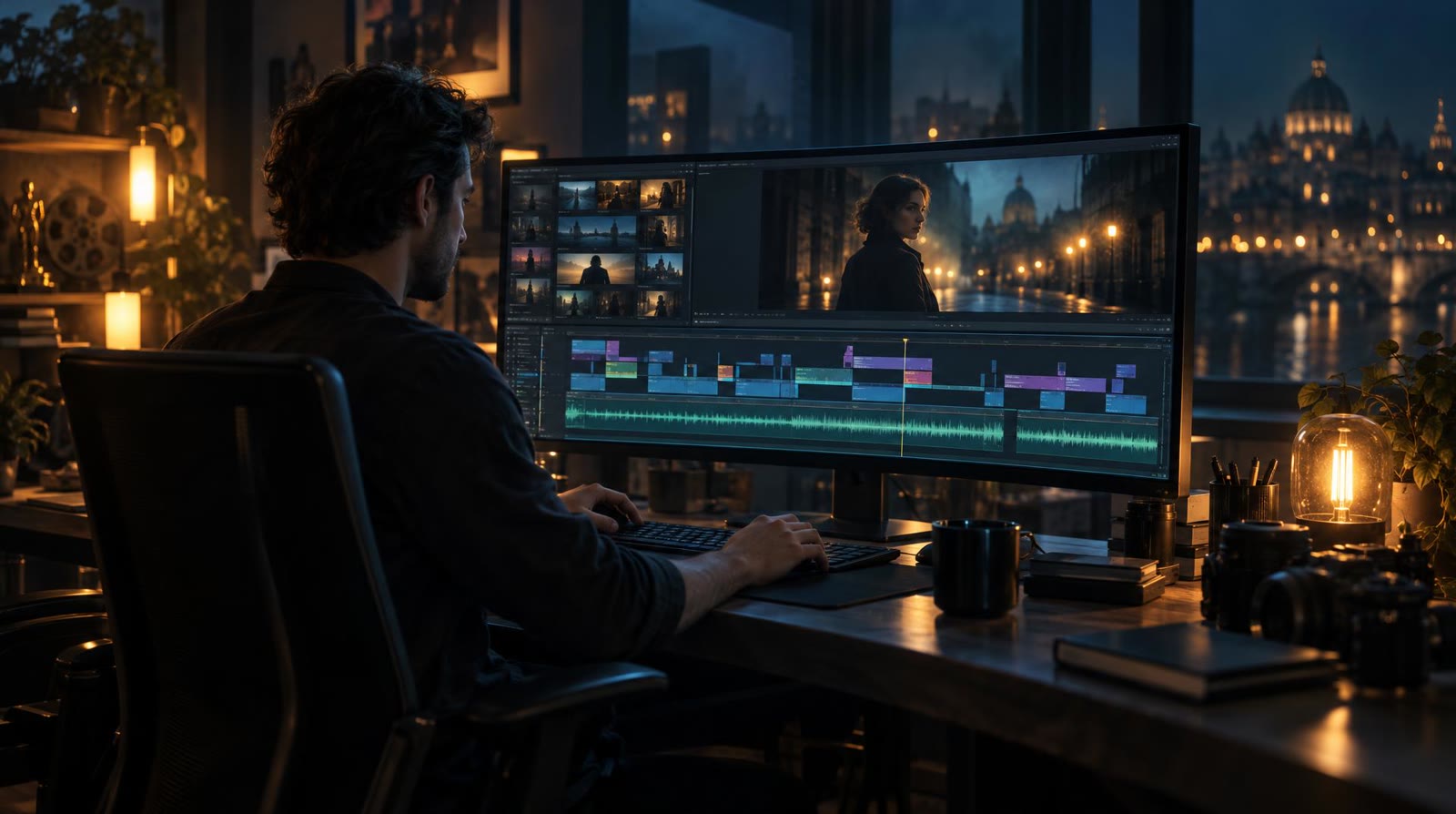
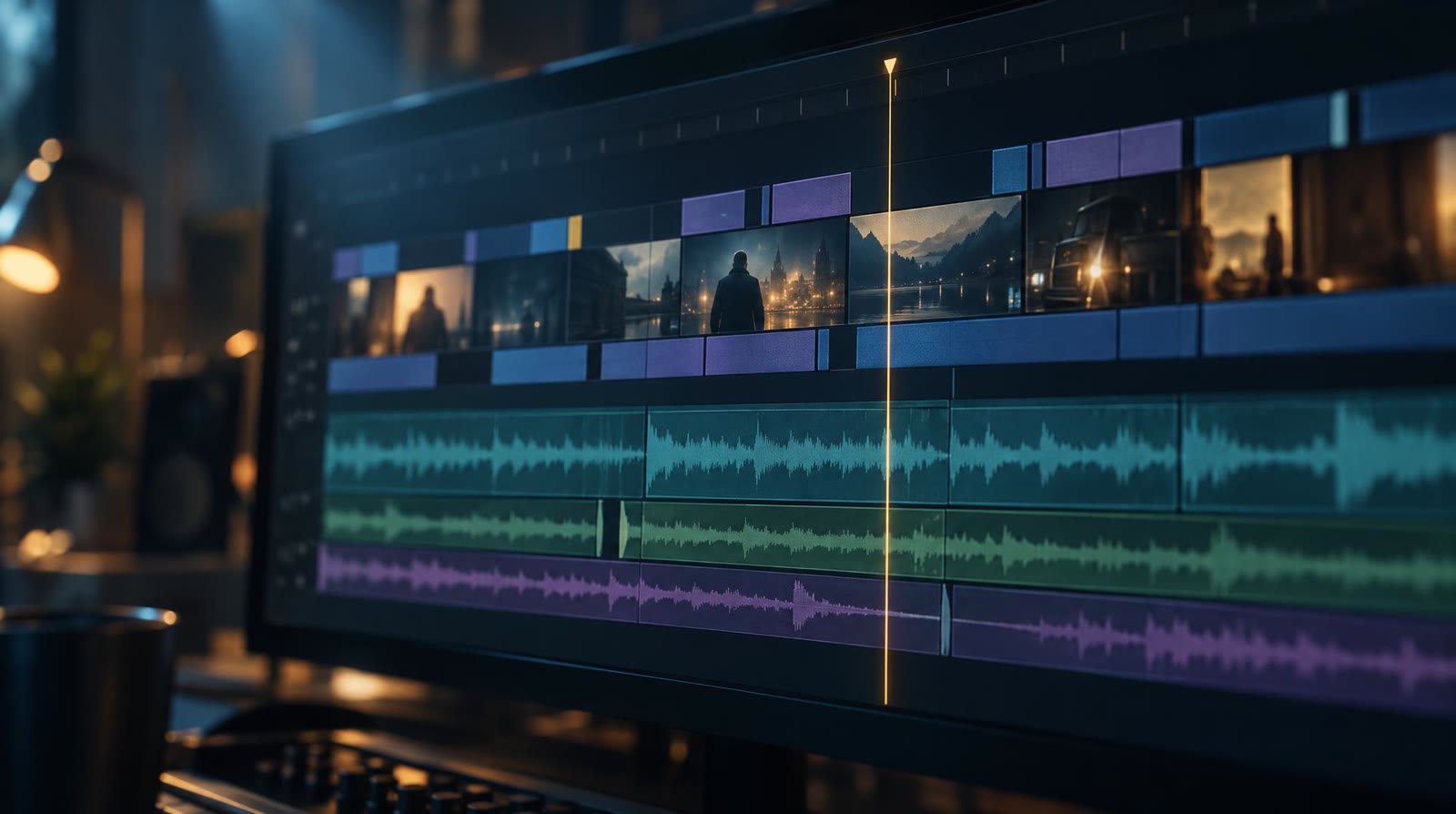
filmaris works as an AI video editor centred on the place where films are really finished: the timeline. Picture, dialogue, score and sound effects each run in their own lane, stacked like a desktop editing suite but open in a browser tab. Shorten the head or tail of a shot, drag scenes into a new order, lay images over video and give every layer its own opacity and volume. Seven kinds of transition bridge the cuts, playback runs instantly with no render pass, and undo or redo takes back any experiment. Clips, photos and audio files you upload sit on the same tracks as the generated shots.
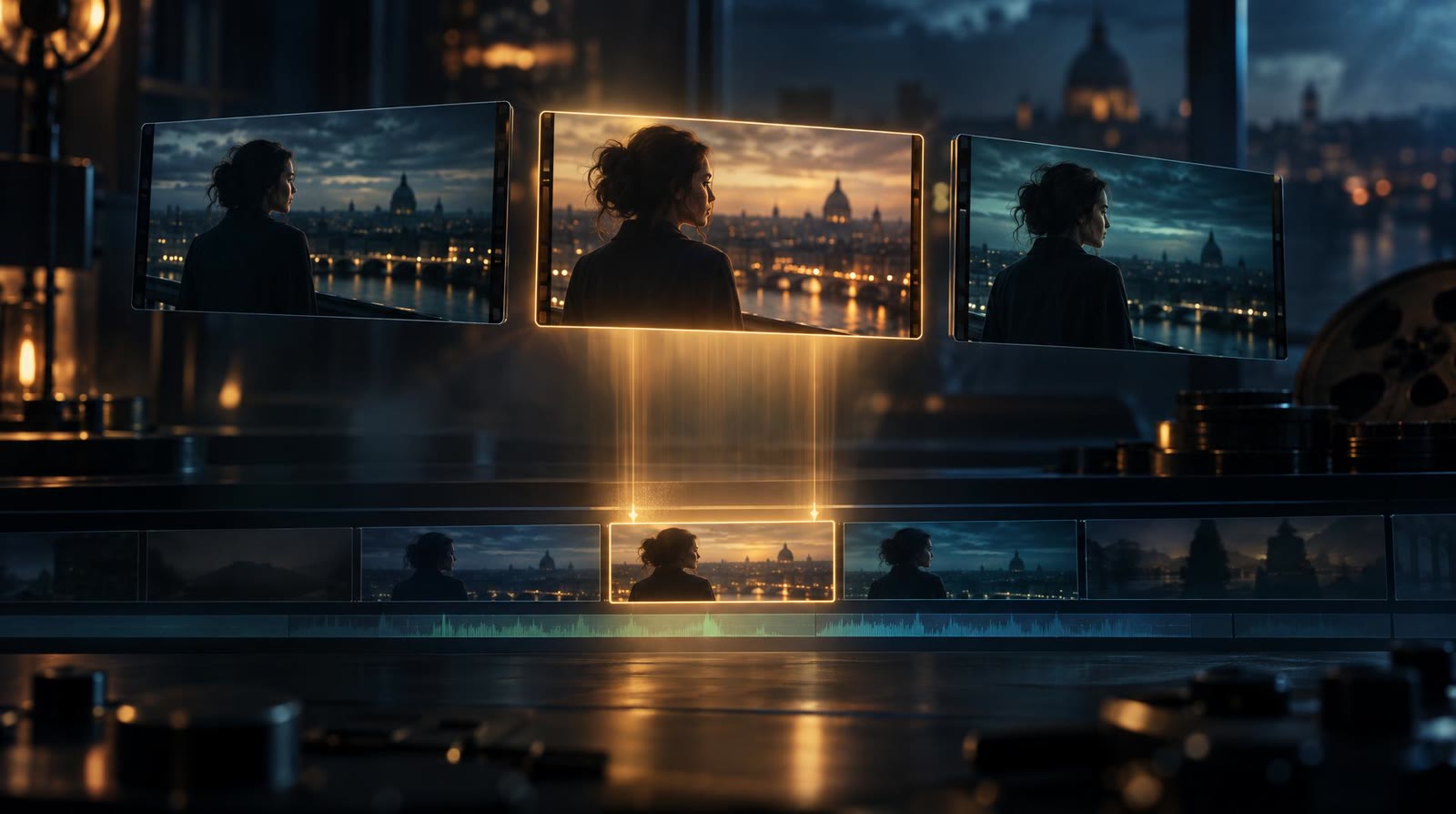
When one moment falls flat, you do not rebuild the sequence. Select that shot, rewrite its prompt and generate a fresh take: it slots into the same position, while every cut, transition and sound layer around it stays exactly where you left it. Earlier takes are kept, so you can compare versions and switch back from the version list whenever the older one played better. Prefer real footage for that beat? Swap the shot for a clip of your own instead. This is video editing AI applied where it pays off most, on individual moments, while every decision about rhythm and order remains yours.
Below is the actual edit of a film that filmaris produced, opened in the same AI film editor you will work in. Picture, dialogue, score and effects run on stacked lanes. Drag the playhead, zoom in on a transition, and notice how each shot occupies a slot you could fill with a different take.
Type a story idea, or hand over an existing screenplay or novel. filmaris generates the shots, dialogue and sound and lays them out on the timeline as a complete rough cut.
Tighten trims, move scenes, balance opacity and volume per layer and choose among seven transition styles, with playback updating as you go.
Render an MP4 at resolutions as high as 4K, or write an FCPXML file and continue in DaVinci Resolve, Premiere Pro or Final Cut with the timeline intact.
Let the AI movie editor deliver the assembly, then open the FCPXML in Resolve, Premiere Pro or Final Cut to grade, mix and polish with tools you already trust.
Treat filmaris as an automatic AI video editor: start a run and the finished sequence lands on your timeline without you placing a single clip yourself.
Upload your own takes, stills and sound, set them beside generated shots and adjust opacity and volume until both kinds of material sit together naturally.
AI movie editing for storytellers: watch your story as an edited sequence, then try another take for any moment that does not land the way you pictured it.
Confirm your e-mail address and your first film, one minute long, costs you nothing: its storyboard pictures move with camera motion and speak their lines, and the file downloads to your computer. Takes rendered as genuine AI video are part of every paid plan. Everything else that is free, the editor included, is listed on our free AI video editor page.
Make your free film →They let artificial intelligence create or change the material you cut. filmaris goes further: it generates every shot of your story, adds dialogue and sound, and hands you the whole thing already assembled on an editable timeline rather than a heap of separate files.
It is an AI video editing website that behaves like a desktop app, running in the browser on any PC or Mac, so nothing needs installing. Cutting, playback and generation all happen online; when you want a local editor, FCPXML carries the project over.
Yes. Open the shot, adjust its prompt and generate a new take. It replaces the old one in the same slot, the cuts and sound around it stay untouched, and earlier takes remain in the version list. You can also swap in a clip you uploaded yourself.
It should hand you a real edit rather than a folder of clips: separate lanes for picture and sound, precise trims, opacity and volume per layer, transitions, instant playback, undo and redo, and an export that keeps the structure of your timeline when the project moves on.
Two. An MP4 rendered at resolutions up to 4K for publishing straight away, and FCPXML, which opens the project in DaVinci Resolve, Premiere Pro or Final Cut with each cut, each track and each audio stem in its place.
Yes. Upload video clips, still images and audio files to the timeline and treat them like any other material: trim them, reorder them, stack them on separate layers and set their opacity and volume next to the shots filmaris created.