Screenwriters before a pitch
Show producers your scenes as moving pictures, with the cast looking exactly as you described them, instead of hoping a cold read carries the tone.
Hand filmaris the pages you wrote, and it casts them, boards every shot and renders a film you sign off on step by step.
Put your own screenplay to the test: each verified e-mail gets a free one-minute film.
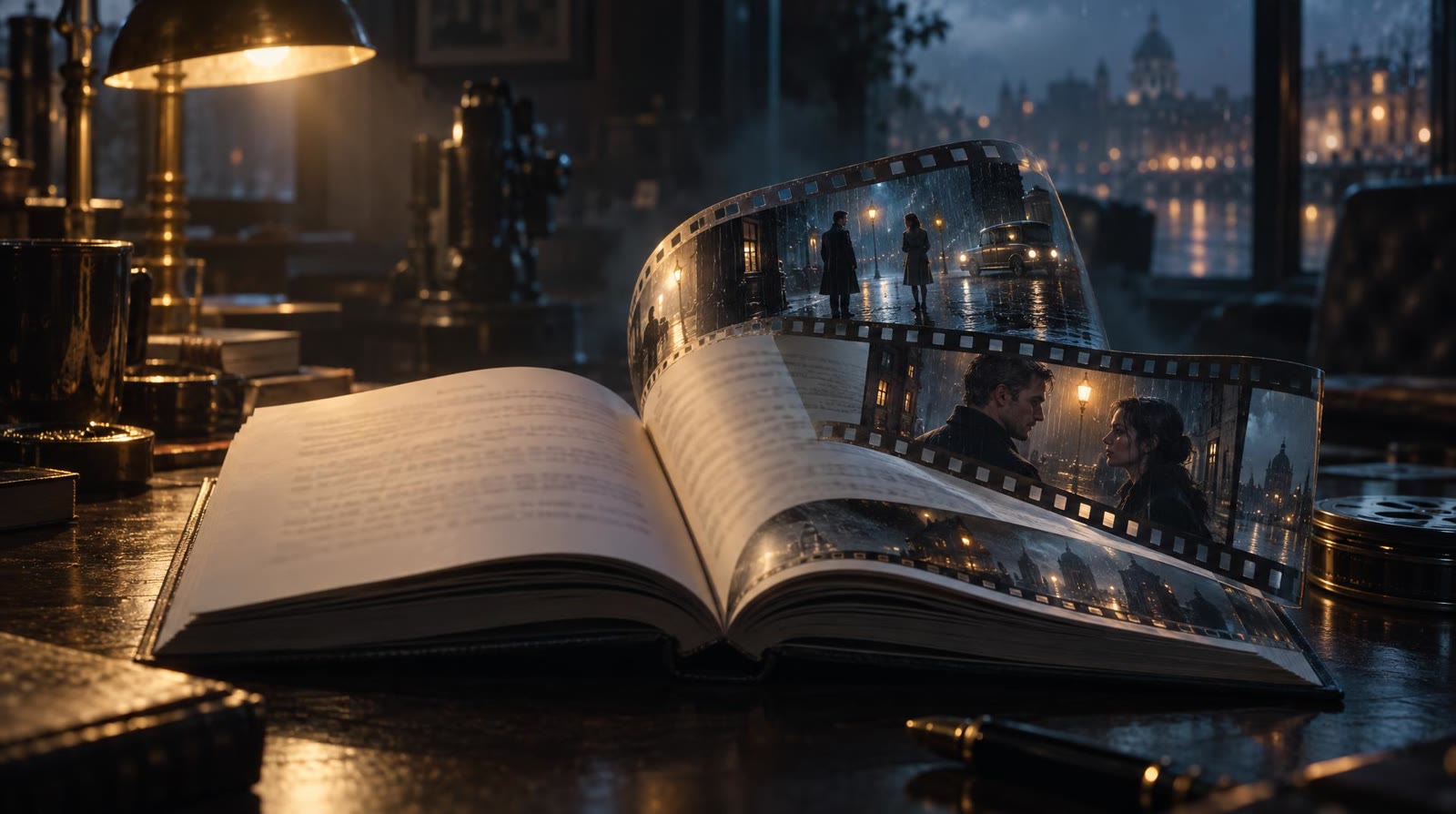
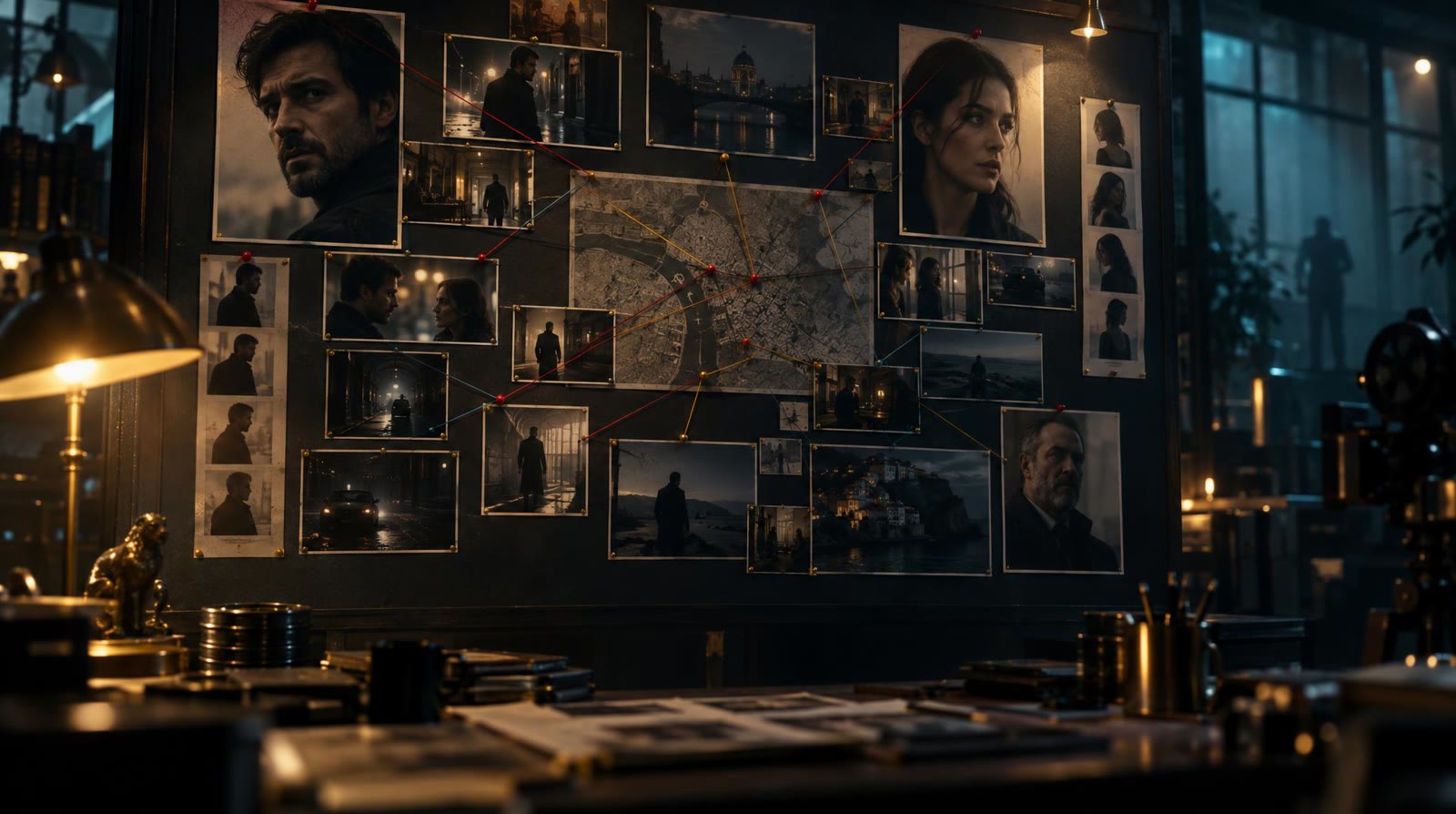
Good script to video AI should read your pages the way a first assistant director does. filmaris splits the screenplay into scenes, breaks each scene into shots and settles framing, camera position and where everyone stands. Pinned beside that plan sit the cast sheets: every role, setting and object your script names receives a reference sheet of its own, so the actor on page one wears the same face on the last page. Then comes the board: every shot drawn as one start frame, laid out like cards on a production-office wall. Go through the cards one by one, approve them, and only then let filmaris move on.
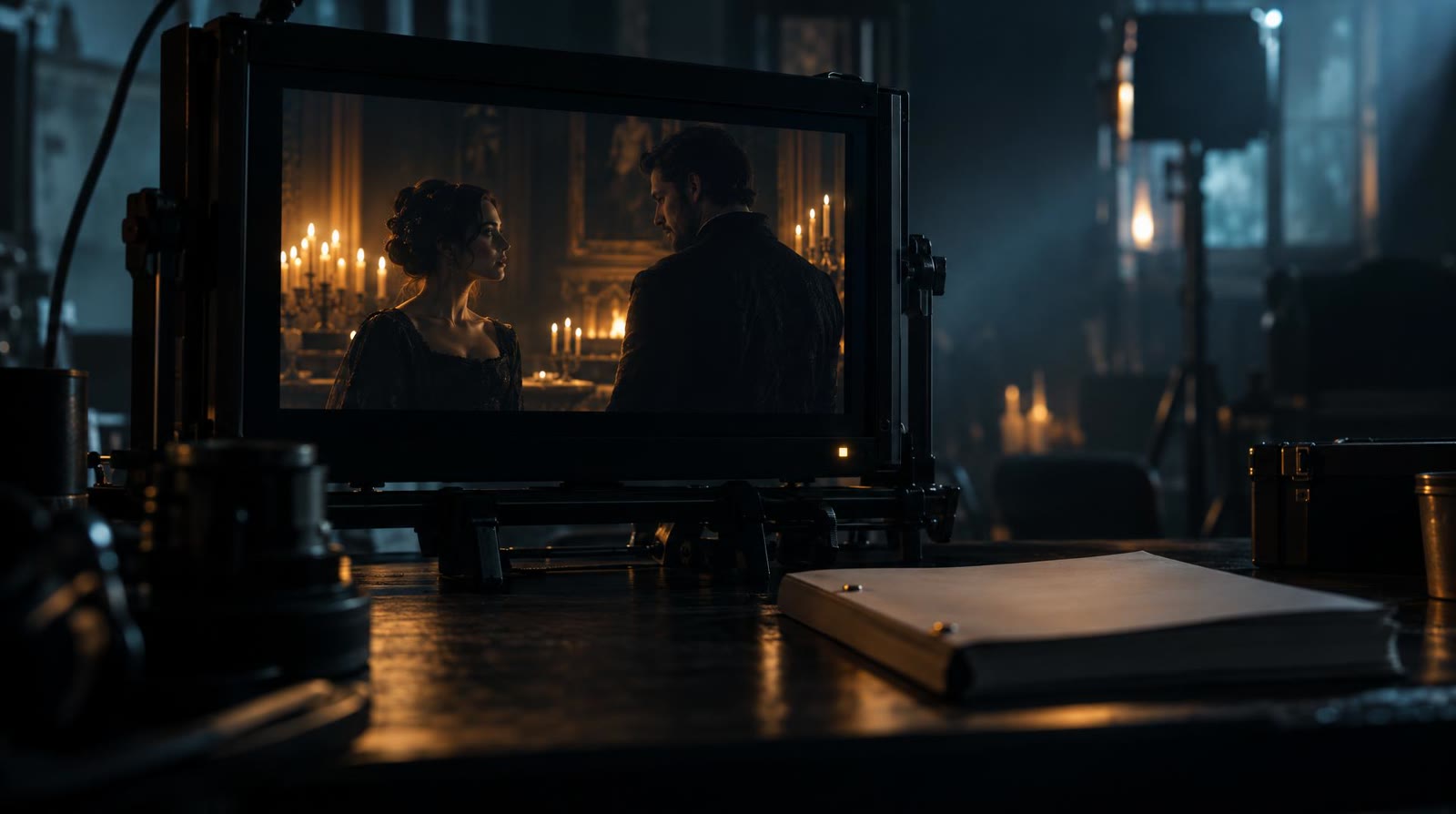
Once the board is approved, AI script to video turns into real footage. Each shot is rendered from its approved start frame and the matching reference sheets, by whichever video model handles that kind of shot best. A second pass follows: AI quality control inspects every finished shot and sends the ones that fail back to be made again, so weak takes never reach your cut. Your written lines are spoken by generated voices, sound and score are laid underneath, and the scenes arrive in script order on the timeline. That is script to AI video the way a director would want it: watched, judged, then kept.
Not every film begins as a formatted script. In filmaris, story to video AI starts with whatever you have: a premise, a paragraph from a notebook, a finished short story. The Script Writer acts as an AI screenplay writer and shapes it into acts and scenes full of spoken lines, which you read and approve exactly like an imported script. From there the route is identical: reference sheets for the cast, a storyboard frame for each shot, rendered footage that has passed its check. Sitting on a whole novel instead? Upload it, and filmaris adapts the book into screenplay form before the board is drawn.

No pages yet? Type the premise as a single sentence; from it the Script Writer drafts the full screenplay, and you read and approve it before planning of any shot begins.
Type your premise →Drop in a Final Draft or Fountain file, a PDF or plain text. Scene headings, characters and every line of dialogue carry straight over into the shot plan.
Import your screenplay →Wrote prose rather than a script? Upload the book or story; filmaris adapts it into screenplay form and may hold on to its chapters, people and spoken lines.
Upload a manuscript →Import your screenplay or let the Script Writer draft one. filmaris reads it scene by scene and lists every character, place and prop the film will need.
Check the reference sheets and the start frame drawn for each shot and approve them, or switch to fully automated and skip the stops.
Approved frames become rendered shots, each passed by AI quality control, voiced and scored, then laid out scene by scene on the editing timeline.
Show producers your scenes as moving pictures, with the cast looking exactly as you described them, instead of hoping a cold read carries the tone.
Use the shot-by-shot board and rendered scenes as previsualization, and test framing and blocking long before anyone books a location or a crew.
Turn workshop screenplays into watchable films, so student writers hear their dialogue spoken aloud and see whether a scene actually plays on screen.
Move your prose into screenplay form first, then into a film whose characters stay recognisable from the opening image through to the ending.
Every verified e-mail gets one free film, one minute long. filmaris takes your script through cast and storyboard and plays the boarded frames back as a film with a moving camera and voiced lines, which you download to your machine. The screenplay draft is free too, as are the opening images of characters, locations and props. For true AI-generated motion in every shot, you move to a paid plan.
Turn your script into a free film →It treats the screenplay as a production plan: scenes become shots with framing and camera set, the cast and locations get reference sheets, and each shot gets a start frame on the storyboard. After your approval the shots get rendered, checked and assembled into one film.
Final Draft files, Fountain, PDF and plain text. Scene headings, character names and dialogue are taken over, and the dialogue is later spoken by generated voices. A novel or short story can be uploaded as well; filmaris first turns it into screenplay pages.
Yes. The Script Writer is an AI script writer for movies: give it one sentence and it writes the acts, the scenes and the dialogue. That draft is free once you register your address, and you can read and approve it before it moves on to casting and storyboard.
Every person, place and prop in the script is drawn on a dedicated sheet first, ahead of the shot planning. Every storyboard frame and every rendered shot is built from those sheets, so the woman in scene two is still recognisably her in the final scene.
Before anything reaches your timeline, AI quality control screens every rendered shot, and a shot that does not pass is generated again. After that you can still trim, reorder or layer any shot yourself on the editor timeline.
Both work. You can stop at the script, at the cast and at every single start frame to look it over and approve it, or let filmaris run the whole way through automatically and judge the finished film at the end.