 filmaris
Realistic AI Video Style
Generate photorealistic footage with natural lighting and documentary-quality visuals from simple text prompts.
 Create Realistic Videos
What is the Realistic Style?
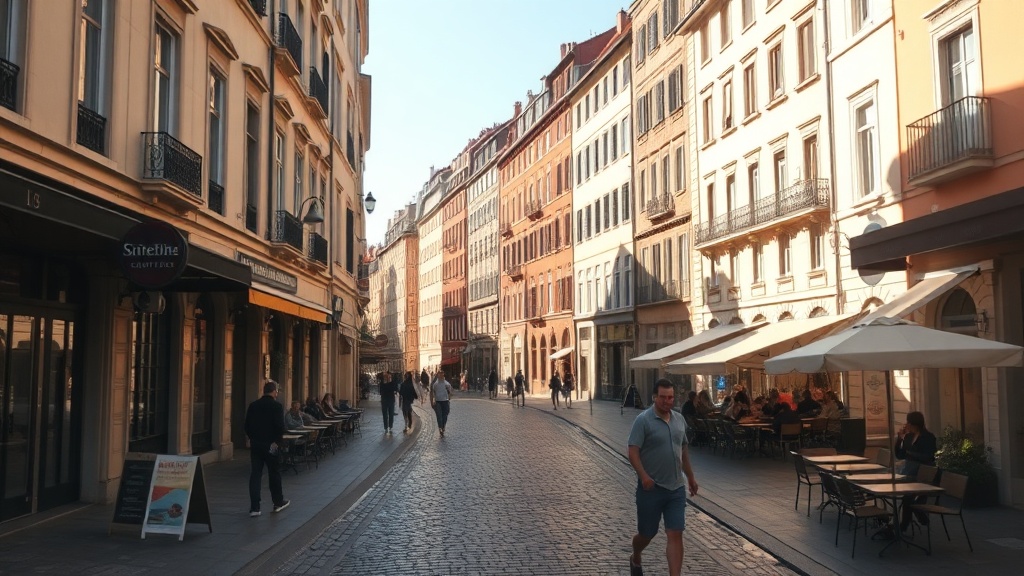
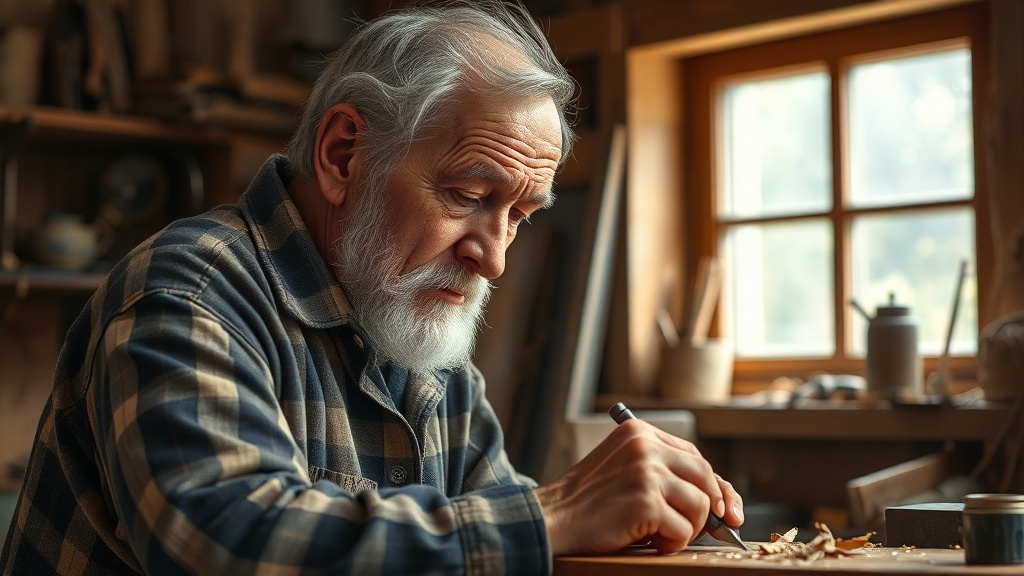
The realistic style in filmaris produces footage that closely mimics what a physical camera captures in the real world. Every frame prioritizes natural lighting, accurate skin tones, true-to-life textures, and physically plausible shadows. The aesthetic draws from documentary filmmaking and photojournalism, where authenticity is paramount and artificiality is a distraction. This style is ideal when your audience needs to believe what they see — product demonstrations, training videos, virtual location scouting, or narrative films grounded in everyday reality. Unlike stylized presets that announce themselves as artistic interpretations, the realistic style aims to be invisible: the viewer should focus on the content, not the technique. filmaris achieves this by prepending prompts with directives for photorealism, natural illumination, and a documentary sensibility, steering AI models toward outputs that pass the uncanny-valley test. The result is footage that feels captured rather than generated, giving creators a practical starting point for professional video projects that demand credibility.
Creating Realistic Videos with AI
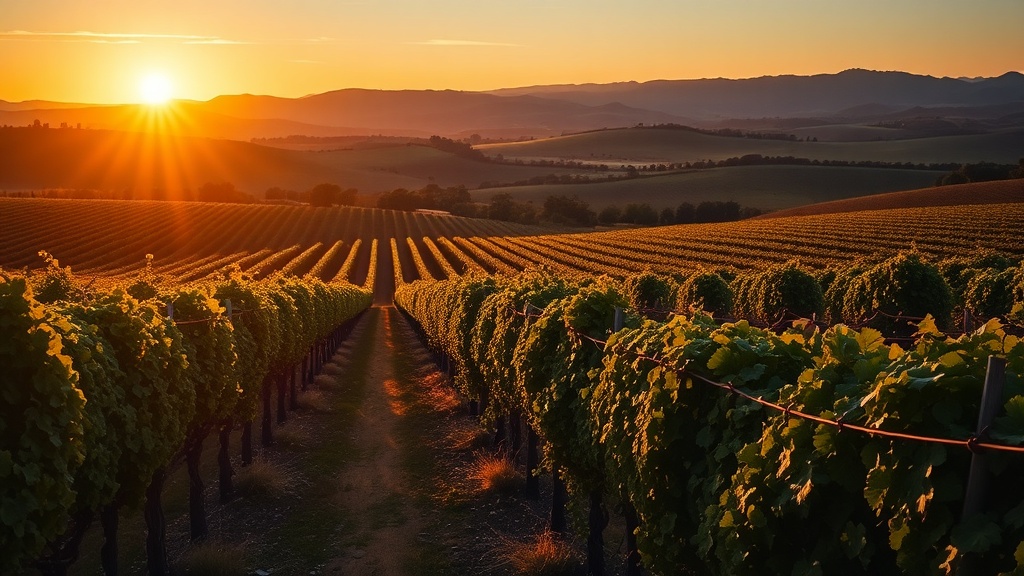
When you select the realistic style in filmaris, the system automatically enhances your prompts with the prefix "photorealistic, natural lighting, documentary feel." This guides the AI model toward outputs with correct perspective, coherent light sources, and subtle environmental details like ambient occlusion and atmospheric haze. You can further refine the look with four detail controls. The color palette selector lets you choose auto, warm, cold, desaturated, or monochrome tones — warm works well for golden-hour exteriors, while desaturated suits overcast urban scenes. Film grain can be set to clean for a pristine digital look, light for a subtle analog texture, or heavy for a raw reportage feel. Lighting modes span auto, high-key, low-key, golden-hour, and blue-hour, each shifting the overall mood without breaking photorealism. Finally, camera style toggles between smooth tracking shots, handheld shake, static locked-off frames, and dramatic crane-like movements. Together these controls give you the nuance of a real camera department while keeping every frame grounded in physical reality.
Best Models for Realistic Style
Photorealism needs models that understand light, skin and physical motion. For video, Kling 4.0 is the first choice in filmaris: it renders natural skin texture, believable fabric and hair, and steady camera motion, and it carries a character's look from shot to shot. Seedance 2.5 is a strong alternative for scenes with several people and fast action, holding detail in the background while the subject moves. For stills, GPT Image 2.5 produces reference frames and start images with accurate lighting and fine surface texture — the best way to lock a location or a face before you animate it. Nano Banana Pro follows long, detailed instructions closely, which helps when a frame has to match a precise description. Ambient sound from ElevenLabs Sound Effects completes the illusion, and Claude Opus 5.5 helps you write grounded, believable dialogue in the script writer. All of these models respond well to the realistic prompt prefix and the detail controls described above.
Specifications
Key Features
FAQ
What is the Realistic style in filmaris?
The Realistic style generates photorealistic AI video and images that mimic real camera footage. It uses natural lighting, accurate skin tones, and documentary-quality visuals to produce lifelike results. Every prompt is automatically enhanced with directives for photorealism and natural illumination.
Which AI models work best with the Realistic style?
Kling 4.0 delivers the most natural skin detail and motion for realistic video, with Seedance 2.5 as a strong alternative for busy scenes. For stills and start frames, GPT Image 2.5 and Nano Banana Pro produce the most believable lighting and textures.
Can I customize the Realistic style?
Yes. You can adjust the color palette (warm, cold, desaturated, monochrome), film grain intensity (clean, light, heavy), lighting mode (high-key, low-key, golden-hour, blue-hour), and camera style (smooth, handheld, static, dramatic). These controls let you fine-tune the look without breaking photorealism.